
Transcripts
Transcripts are super useful for multiple reasons - They're great for SEO and accessibility, they can help the hearing impaired or for people who want to read through a certain segment of your recording rather than listening to it. Transcripts can help visitors skim, quote, and find key sections easily.
Transcripts show up on your actual website right after the content/description area. If you're using the built-in media player, transcripts support built-in clickable timestamps. We know transcripts can be very long so they're contained in a box where you can scroll for reading more. This is great for saving a little space on the page and still account for SEO at the same time. Transcripts add a lot of well-indexable text to your media-heavy content pages.
Adding Podcast, Video, and Course Transcripts in Beamly
There are 3 different ways to add transcripts on Beamly. You can paste transcripts into the dedicated field, wait for Beamly to import/generate transcripts automatically, or request a transcript on-demand.
-
Pasting your transcripts
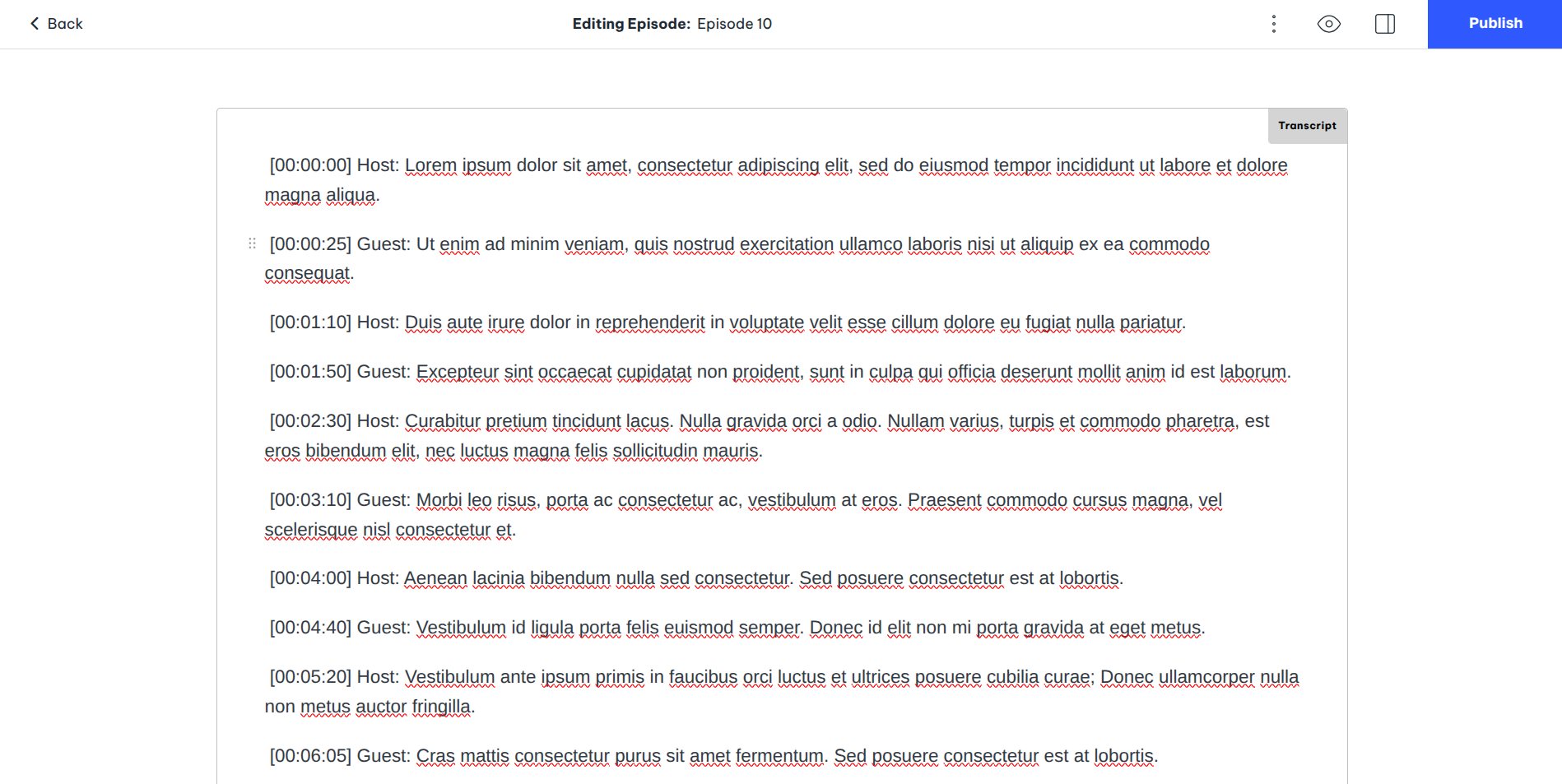
You can easily paste a transcript (or generate one with AI) to any of your podcast episodes, videos or lessons directly in the dedicated Transcript field within the editor:
-
Importing podcast transcripts from podcast RSS feeds
If you sync a podcast from another host, Beamly will automatically import the transcript available on your feed from the <podcast:transcript>. Even if that tag is not present, Beamly constantly attempts to automatically fetch transcripts for every episode in your backlog.
We apply appropriate formatting and create clickable soundbite links in case you include the time tag for each sentence/segment.
The <podcast:transcript> tag is part of the "Podcast Namespace 2.0", which we are proud to support. You can read more about that here.
We also attempt to fetch your transcripts from other sources (based on AI), even if you don't have the transcript tag in your RSS feed.
For podcasts hosted on Beamly, whenever you create a new episode and upload an audio file, a transcript would be generated automatically, as well as the full show notes!
The transcripts are also included in your RSS feed (in the <podcast:transcript> tag), in both HTML and VTT formats - so they can be visible on podcasts apps like Apple Podcasts as well.
-
On-demand AI transcripts
On the Business plan, you can generate transcripts with AI for your full backlog of audio and video files. The Generate with AI button will appear on any of your existing entries (podcasts/videos/lessons). It takes a few seconds to generate the full transcript so you can quickly read through it and make sure it looks right.