
Episode Search, Category, Tag, Year Season Pages
We automatically include multiple "dynamic" pages within your site for each of the following episode taxonomies:
- Categories - Individual category pages per episode category. (/category/category-name)
- Tags - Individual tag pages per episode tag. (/tag/tag-name)
- Seasons - Individual pages for each season of a podcast (based on the "Season" field in the episode form). (/season/season-number)
- Year - Individual page for each year - for example, "2024" would return all episodes published during that year. (/year/2024)
- Episode number - we automatically redirect to your most recent episode number if you try to access a path like
mydomain.com/12-> episode number 12 would be loaded (assuming you have that metadata in place for each episode)
If your website includes multiple podcasts - these pages are generated both on the website-level (for all episodes that are on the site) and on the podcast-level.
These taxonomies can also be used in the page builder, in order to filter certain widgets based on category/tag/season/year so you're not limited to the automatically generated archive pages mentioned above.
Search results
It's also possible to search for episodes directly on your website. The search algorithm takes into consideration your episode titles, tags and categories. Search results also include all your other content, separated by filters.
Example: Editing Episode Categories
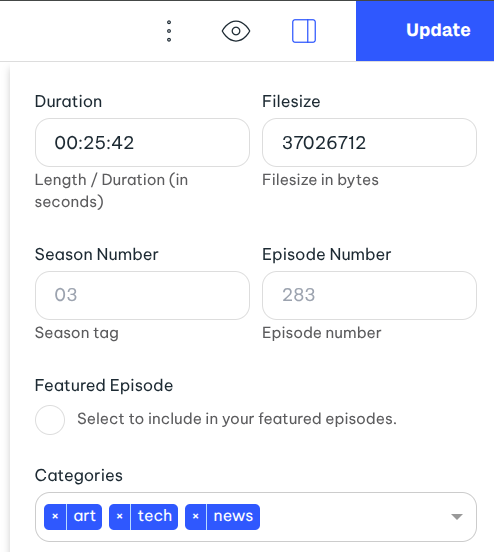
When you add categories to your podcast or episodes, you can take advantage of the "Filter Buttons" to allow your visitors to filter out episodes/shows based on the category as seen below:
