Danger Zone
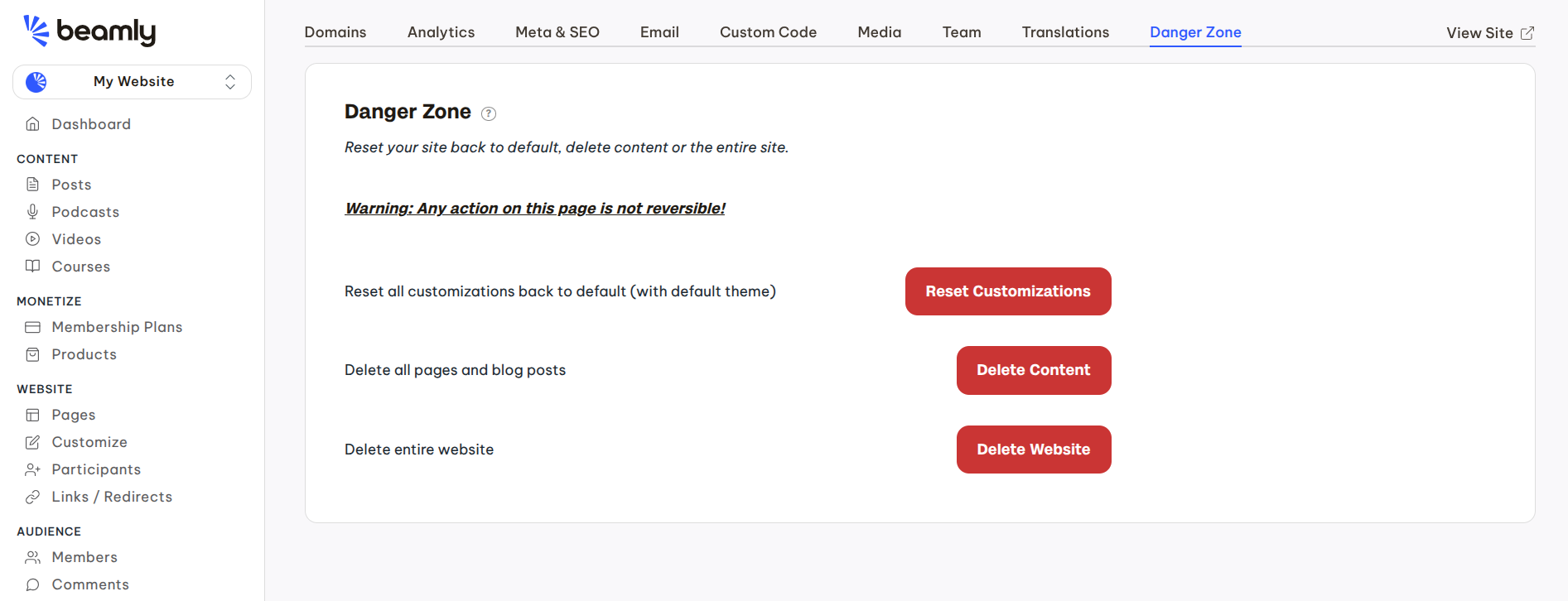
In the Site Settings > Danger Zone panel you'll find a few options to remove content, reset settings or delete the entire site.
Warning - any action you do on this page is non-reversible, so please proceed with caution.
Currently there are 3 options on that page:
- Reset all customizations - this would essentially reset all the different settings of your site. It includes all layout and color options, SEO metadata, your logo, navigation items, footer widgets, custom CSS or JS code, translations and so on. Only proceed with resetting the customizations if you're OK with losing all that data.
- Delete all pages & posts - this option would delete all your custom pages and blog posts.
- Delete website - use this option to completely remove the website and all associated data.