
Creating your Website
Beamly makes it easy to create full websites for all types of content.
It takes just a few clicks to create your first website. First, you'll have to select a category that fits best for your project -
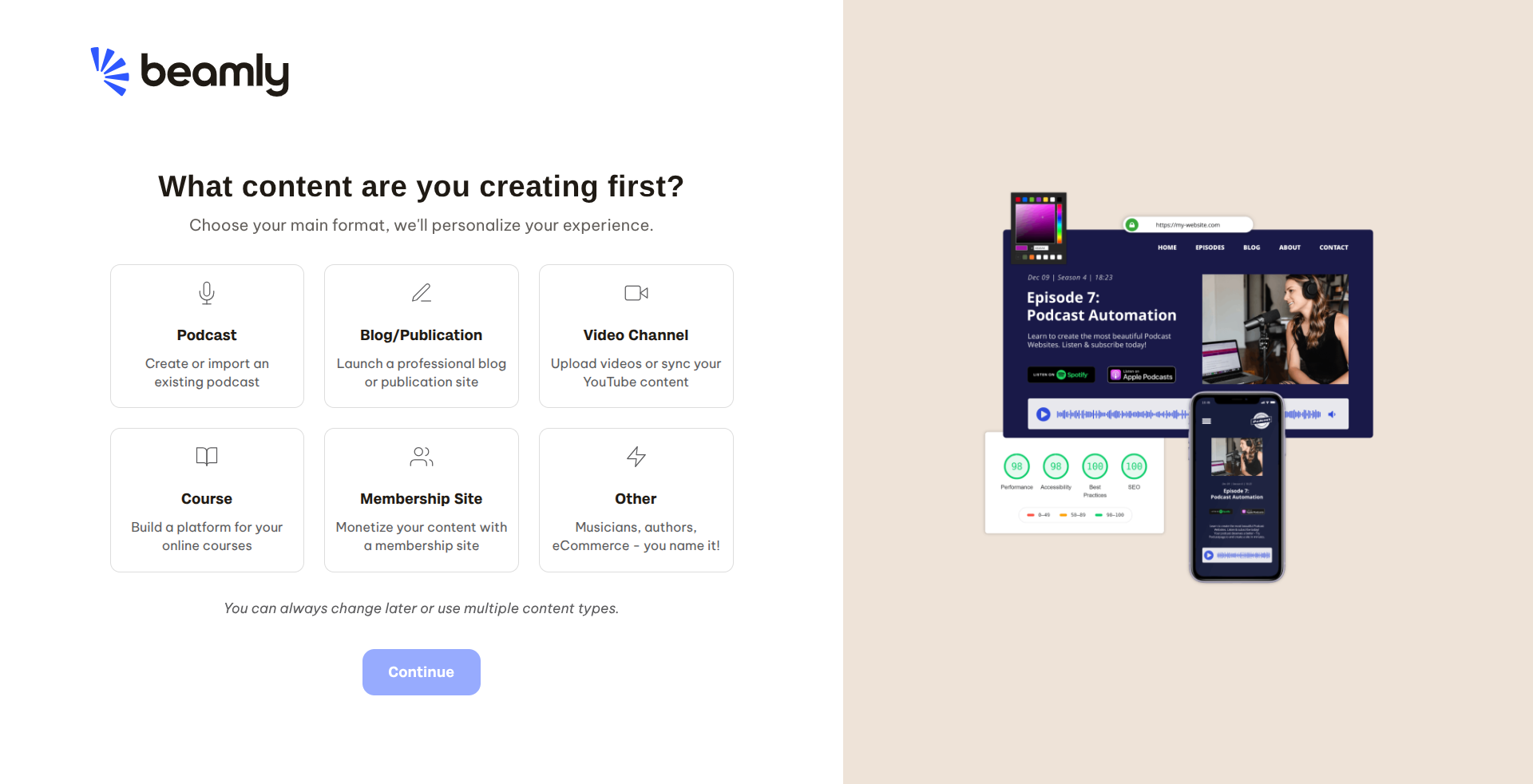
Selecting the category would help us personalize your onboarding experience, but it has no affect on the actual website. You'd still have all the same features and capabilities, no matter which category you choose.
The next step is to give a name for your new website. This can always be changed later on -
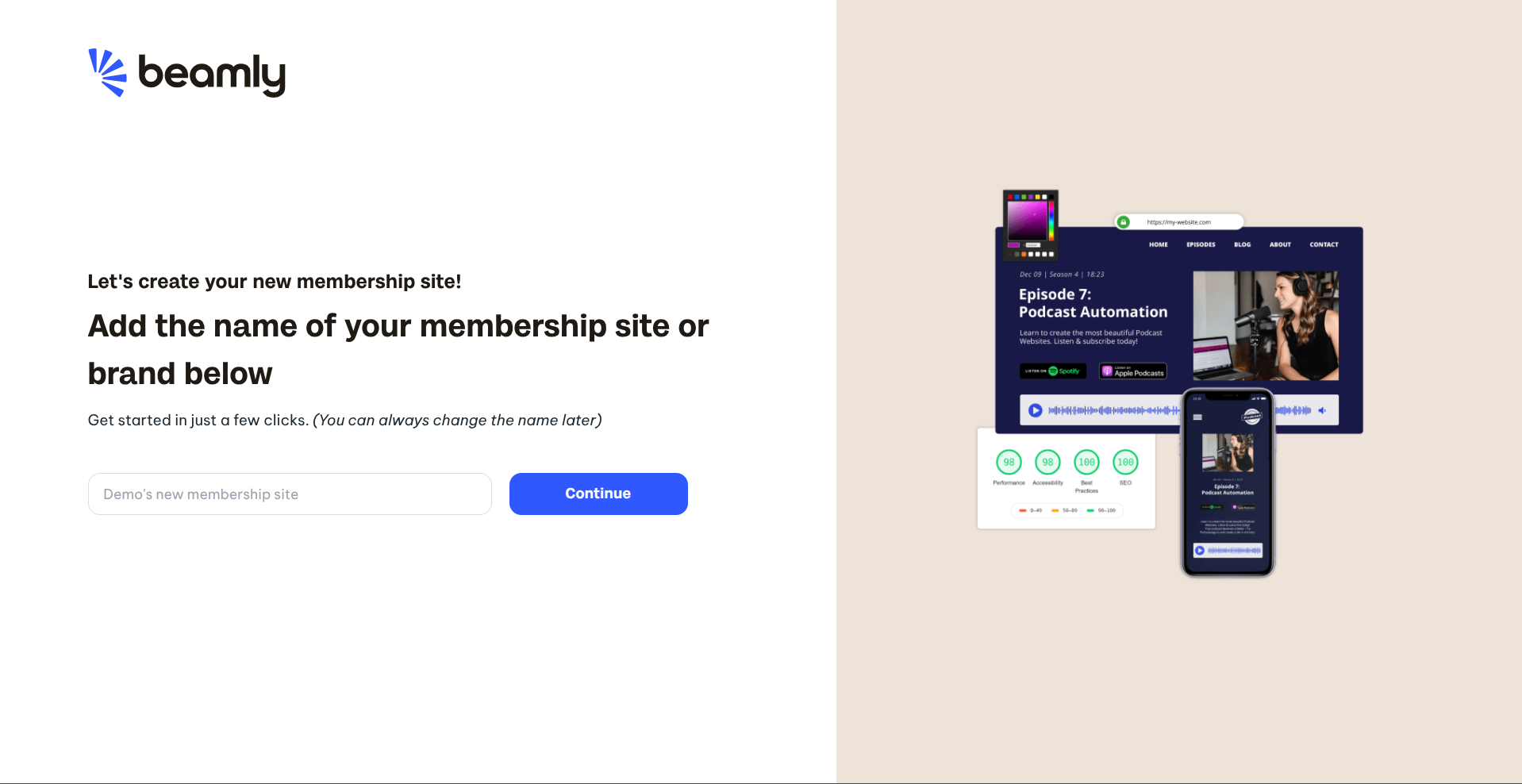
In the next step, if you chose the "Podcast" or "Video Channel" categories, you can import your existing data from either your podcast RSS feed or YouTube channel.
Once you're past that step, or if you chose another category, you'd be guided to the themes page -
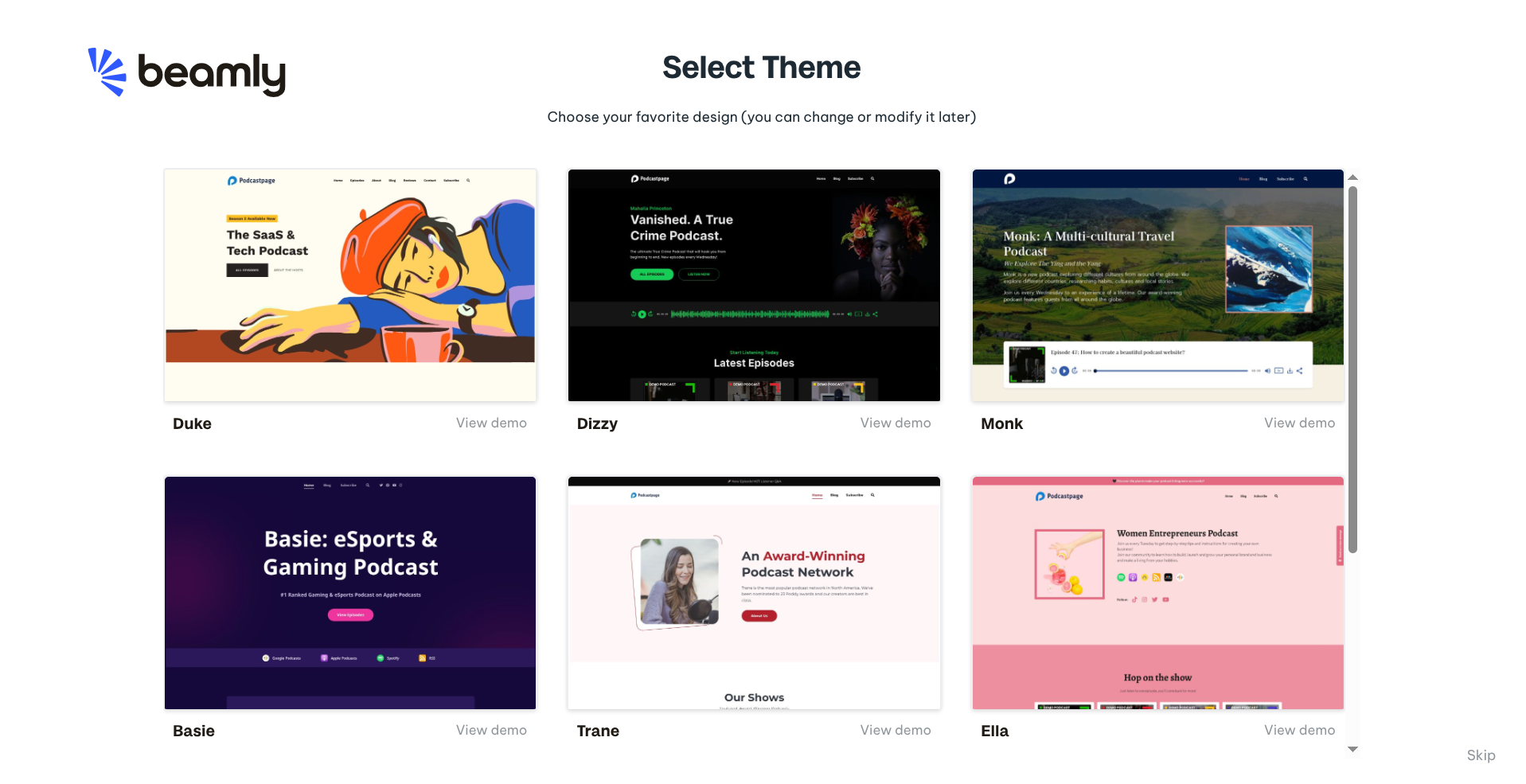
All themes are versatile and very flexible. They support all types of content formats like your podcasts, videos, blog posts, courses and more. Each one of the themes can be fully customized so the colors and sections you see there can all be edited.
The next and final step is the branding screen where you can quickly personalize your site. You can upload your logo or easily change to one of the suggested color schemes. Note that you can always change those later if needed -
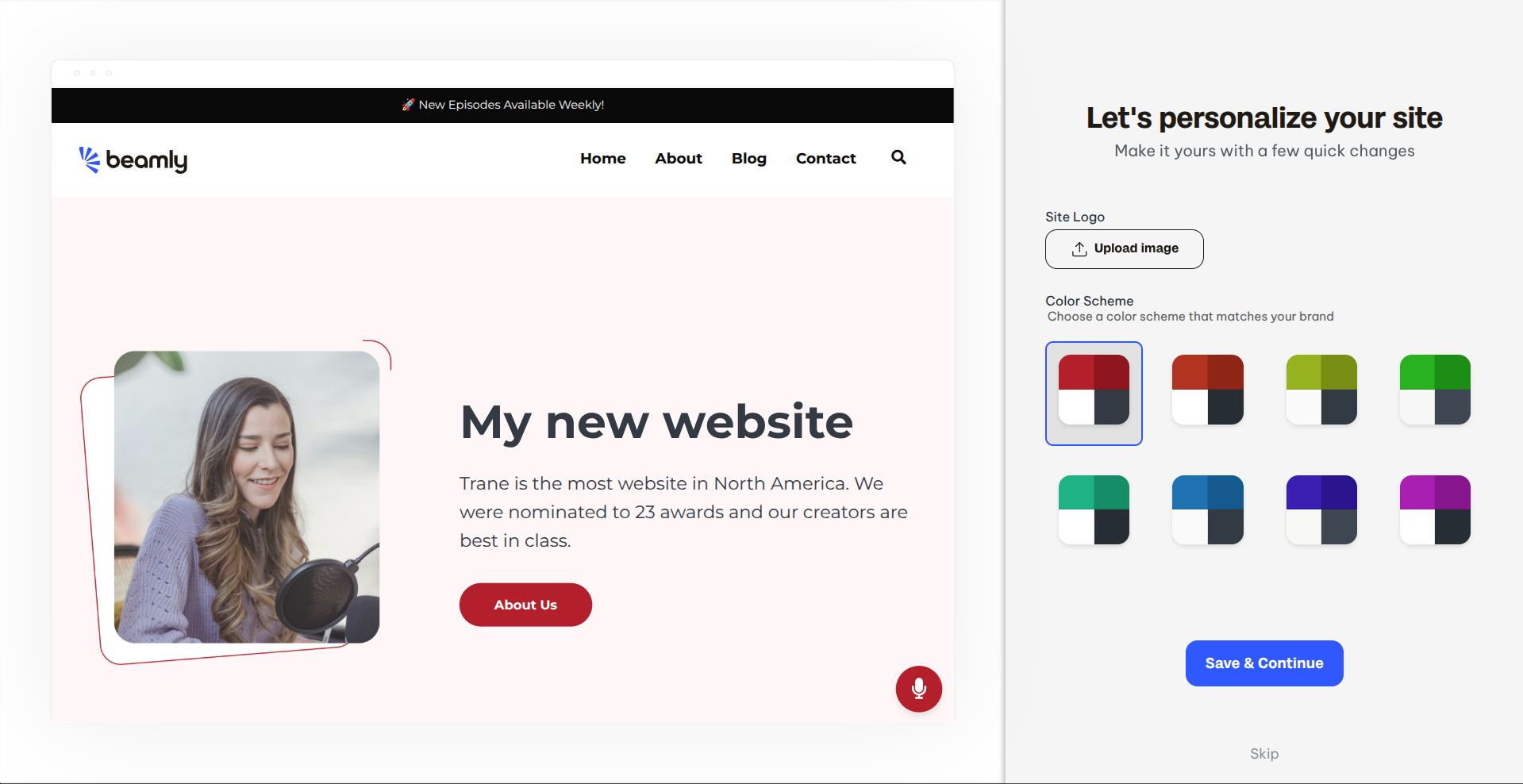
That's all! Now that you website is created you can start customizing it, add more content and get ready to publish it.