
— Page Builder: Blocks & Templates
The Page Builder includes a bunch of pre-designed content blocks and full page-templates you can add to your pages.
This can help creating pages faster and achieve beautifully designed pages.
To find the available templates, navigate to the "Pages" screen in your dashboard, and create a new page (or edit an existing one), then click on the "Templates" tab on the left sidebar:
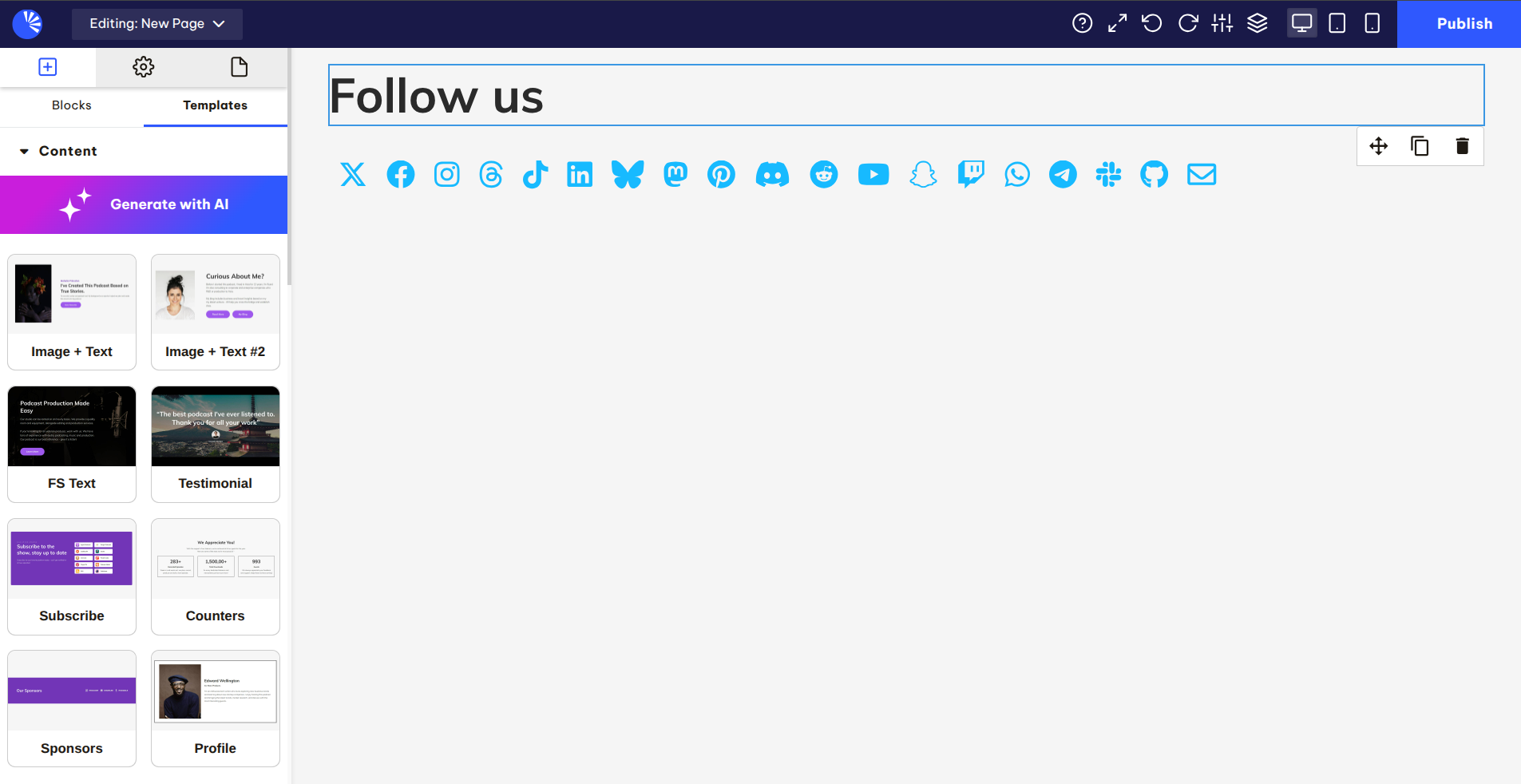
Then, you'll see the full list of pre-designed blocks and templates. These are grouped together based on their type so you can expect to find general content templates, CTA (call-to-action) sections, full homepages / about page examples and more:

To use any of these templates, simply drag one of them onto the page, it'd render on your page right away so you can start tweaking the content and publish.