
Templates / Themes
Beamly comes with a wide range of themes/templates available for your project. All of our themes generally work great for all content formats and use-cases - and they should be a good starting point for your new website.
Some of our themes are more optimized towards a specific content format, like long-form text, podcasting, videos and so on - but everything can be customized on all themes so they can fit your project.
The themes consist of a set of styles/rules that can affect your website's layout, design or color scheme, and also with a few page templates with matching styles.
When you create a new website, you can browse through the available themes and pick a starting point for your website. Once you do that, your website will be loaded with some demo content and pages, so you can quickly start from that stage and make it yours. (you can always change the theme and adjust the templates at a later stage).
Choosing a theme during the initial setup would apply the look & feel of the theme to your newly created website, and also set up the initial demo pages on your site.
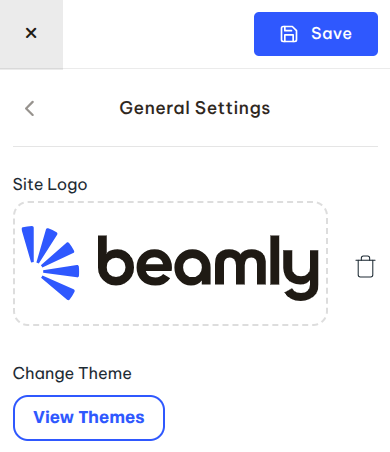
At any point, you can change your theme via the Customize > Branding screen.
When you switch themes, you can opt to also import the theme's "Homepage" and apply that to your site, or just make the switch without setting up the page directly -
Here's a preview of the available themes, take a quick look and choose the one that you like best!
