
Translations
If your content is in a language other than English, you can fully translate the site to your language. We support any language, including RTL languages (so the site layout changes accordingly. More info about RTL is available here).
Changing the default site texts to your language is easy. Note that there's only one main language available per website - we do not provide multi-lingual sites but you can set up multiple/separate sites if needed.
To translate your website, head over the Site Settings panel, then navigate to the "Translations" tab on the right side -
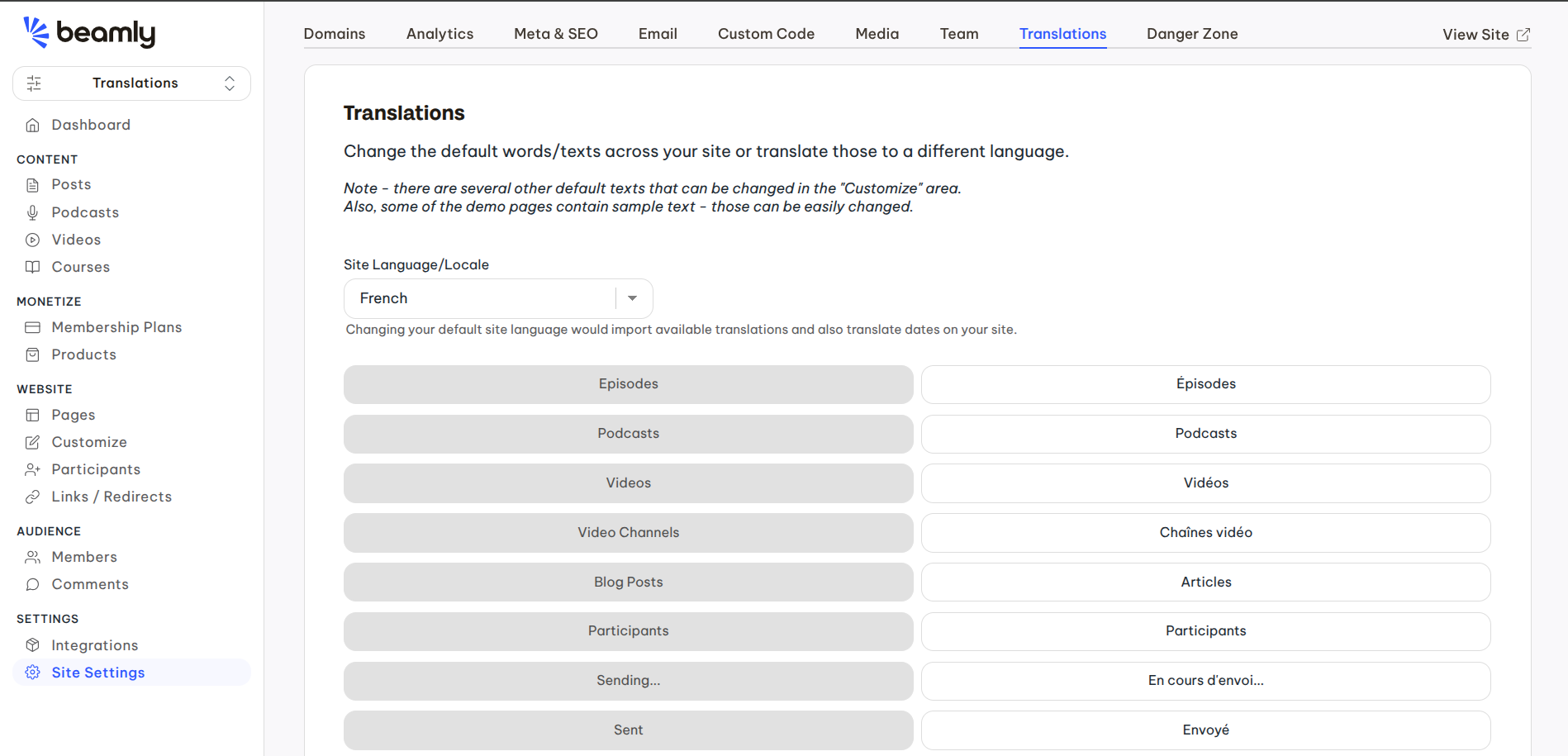
We already provide full translations for a few common languages, but you can always write your own texts or replace any of the default translations.
Even if you're keeping the website in English, you can override all the default texts as needed without actually "translating" the site.
Example: translating default texts to Spanish:
If you need to translate your website to Spanish, go over the "Translations" area on your site settings panel, and translate all the default texts. As an example, your contact form would look like this:
