
Taxonomies (Categories & Tags)
Taxonomies help you organize, label, and filter content across your website. In Beamly, taxonomies come in two types:
- Categories: Recommended for higher-level grouping (e.g., “News”, “Interviews”, “Beginner”).
- Tags: More specific keywords (e.g., “remote-work”, “ai”, “growth”).
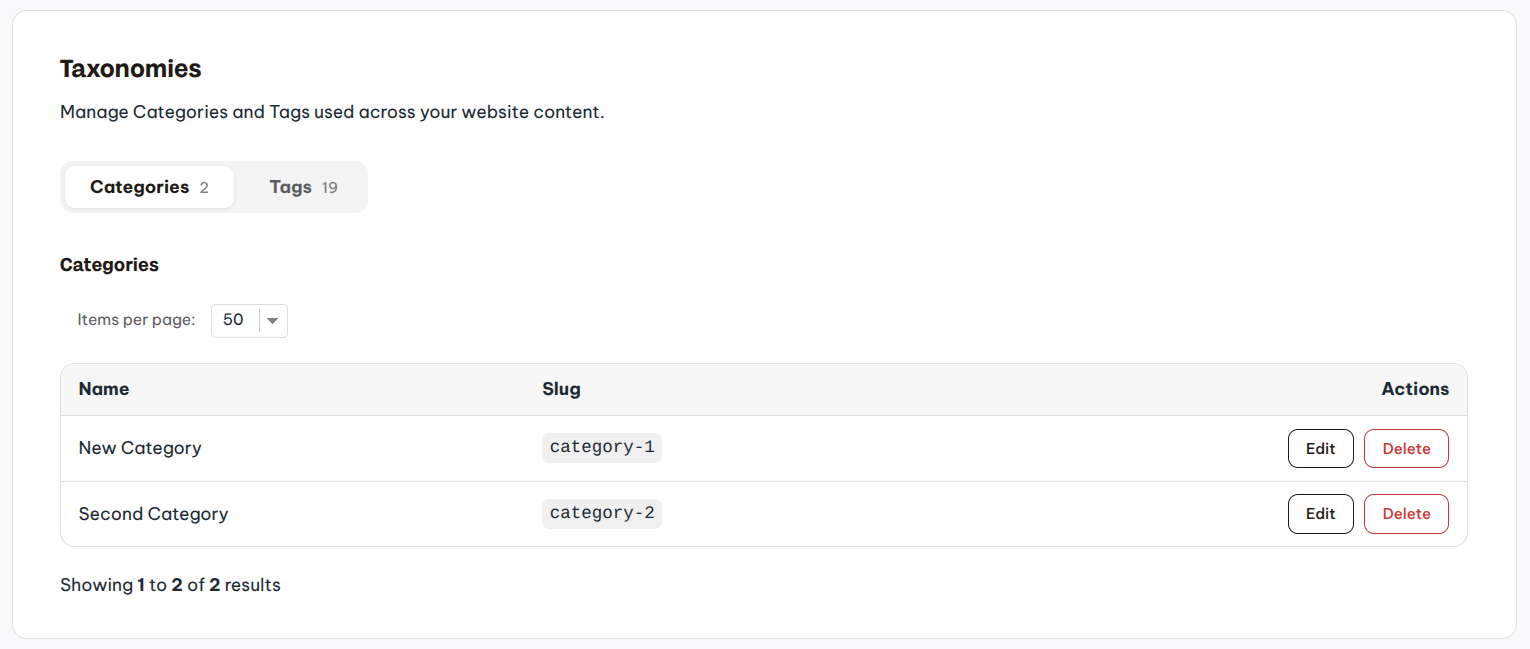
Where taxonomies are managed (globally)
You manage your website taxonomy lists the Site Settings → General Settings → Taxonomies screen.
This screen is split into two tabs: Categories and Tags. All the taxonomies listed here are shared across the website's resources. (the same category, for example, can be added to blog posts, episodes, video channels and so on).
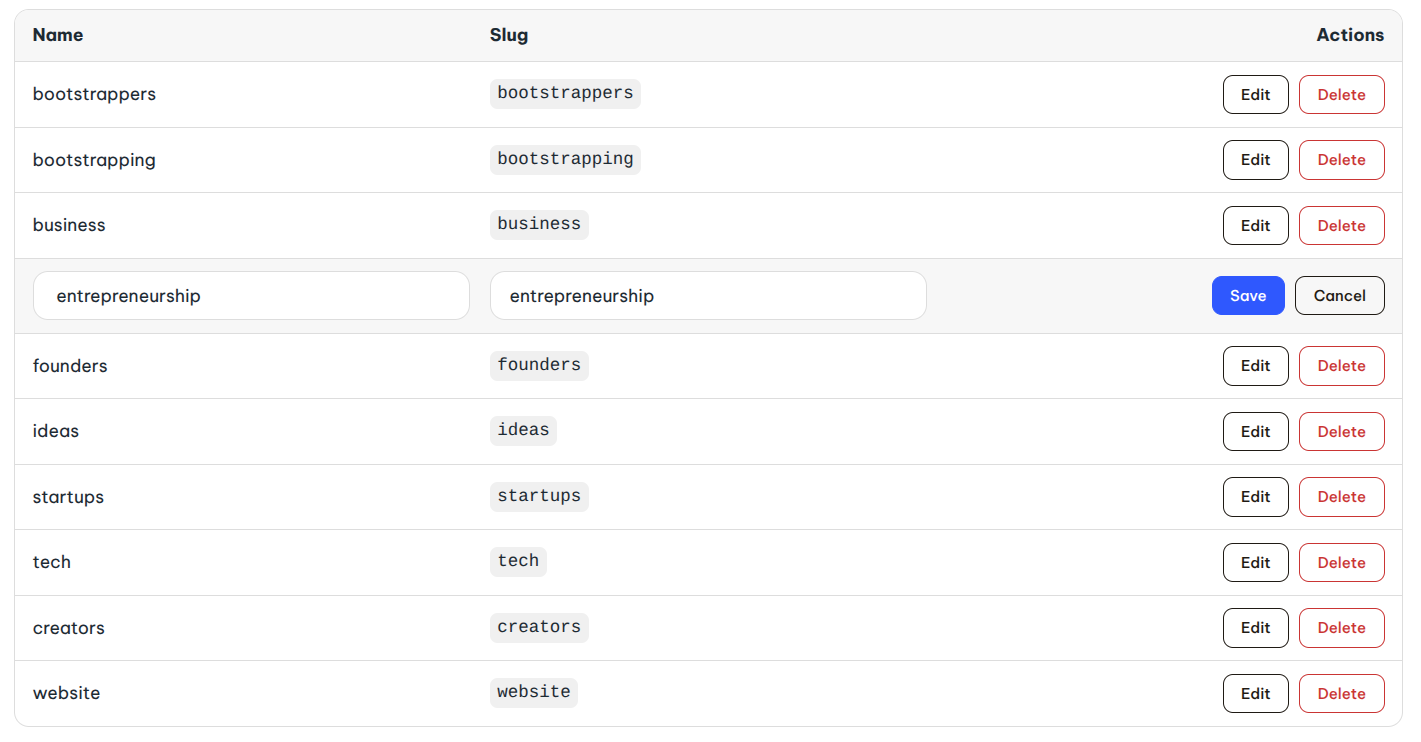
On this page you can edit existing taxonomies to update all resources that include that particular taxonomy. You can change the name and/or the slug, or alternatively delete the taxonomy altogether.
Creating new categories or tags
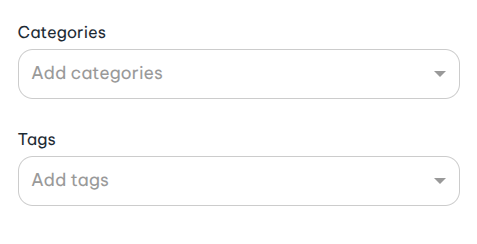
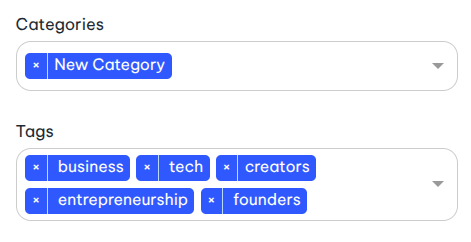
New taxonomies can be created and associated with your content via the editing forms. (for example, while editing a blog post or podcast episode).
Here's an example from the podcast episode form page - When you start typing, it'd first search for existing taxonomies. If none exist, you can hit Enter to create the taxonomy.
Display content based on taxonomies
When you display your content like podcast episodes, blog posts, videos and so on on pages dynamically - These controls let you filter what a widget displays based on your existing categories/tags.
This can be done both in the Page Builder editor and the Content Editor (where you edit blog posts or episodes). Here are the available settings:
- Post Category (blog posts)
- Episode Category Filter / Episode Tag Filter (podcast episodes)
- Video Category Filter / Video Tag Filter (videos)
- Category Filter (courses / video channels / podcasts)
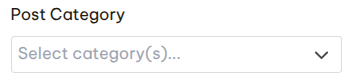
You'd simply have to select the taxonomy you want to display (or a few of them) and it'd automatically filter content based on that.
Note - You can also enable the taxonomy "Filter Buttons" for each list of posts - this would let you filter dynamically on the website.
There are also some automatically-generated category pages for blog posts and episodes. You can read more about that here.
For courses, note that there's the "Modules" (sections) filter that's slightly separate from the regular taxonomies. You can read more about that here.